All Inboxes
With two or more accounts, read the mail of every Inbox in one list, or one account’s Inbox at a time.
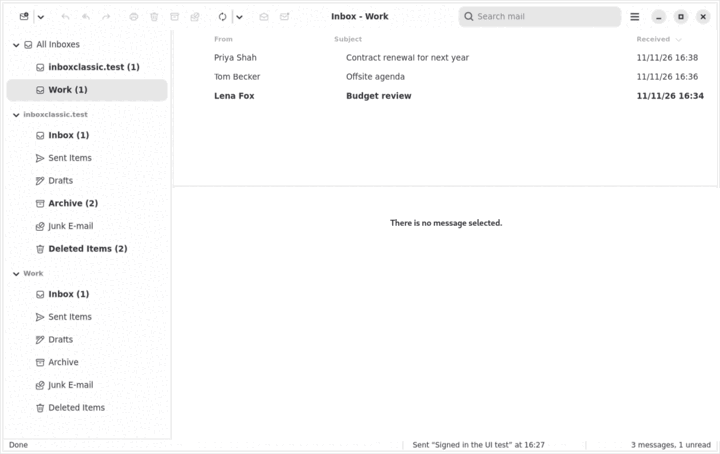
All Inboxes is at the top of the folder list when you have two or more accounts. It lists the mail of every account’s Inbox, using the selected sort order. The Account column names the account of each message.
- Reply, forward, move and delete work on a message in its own account.
- A new message starts from the account of the selected message.
- Mark All Read on All Inboxes marks every Inbox read. It is the only command on its right-click menu, since it is not a folder of one account.
Each account’s Inbox
Under All Inboxes, each account’s Inbox has a row of its own, named as the account is, with its unread count. Select a row to see that Inbox alone. This is where each account’s Inbox is: the account itself, further down, lists its other folders.
The rows follow the order of your accounts. To change the order, drag a row above or below another. See Change, order and remove accounts.
The folder list remembers whether you opened or closed All Inboxes. It goes away when only one account is left.
All Sent and All Drafts
All Sent and All Drafts follow All Inboxes. They list what every account sent, and every account’s drafts, with the Account column and each message’s recipients. Open one with its arrow for a row per account, to see one account’s Sent Items or Drafts alone. The accounts further down no longer list these two folders.
A draft opened from All Drafts opens from the account it was saved in. Both start closed, and the folder list remembers whether you opened them.